
Processing pixels...
How to Compress an Image Online in 3 Easy Steps?
Compressing large photos doesn't have to be complicated. With our free online image compressor, you can shrink your files in seconds:
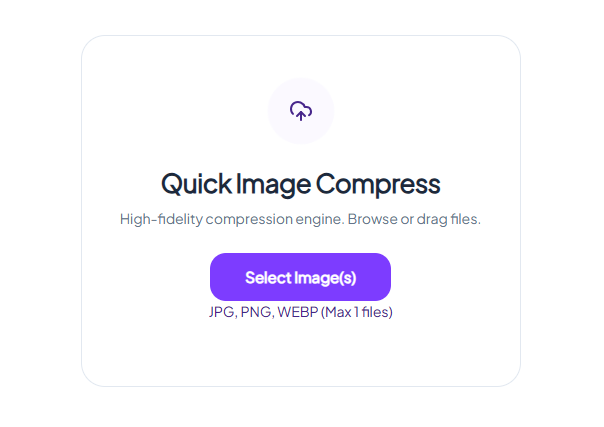
Upload Your File
Drag and drop your image into the upload box above, or click "Select Image" to browse your device.
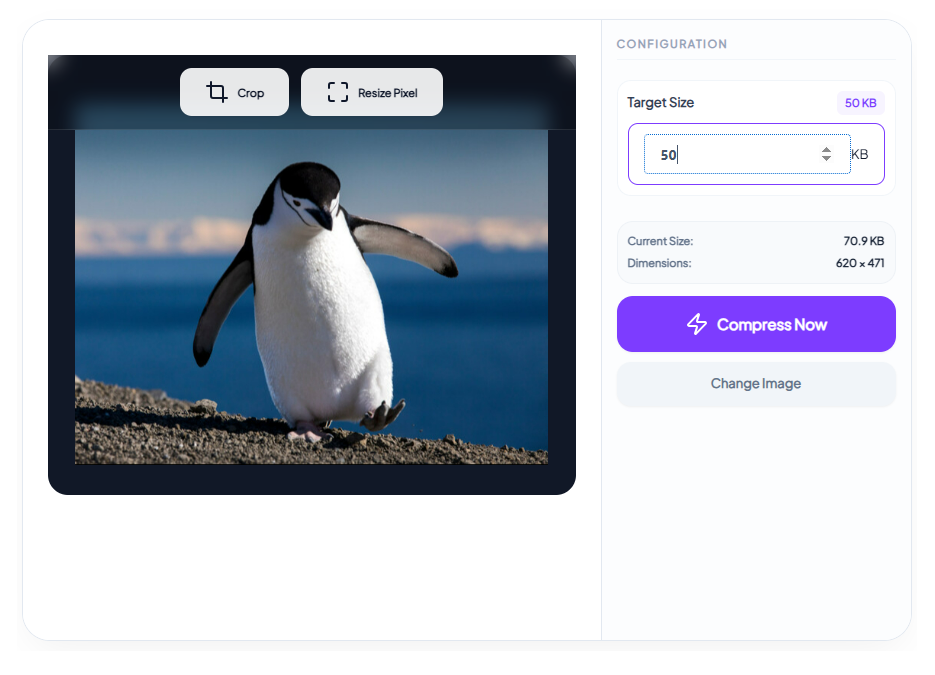
Set Your Target Size
Use the configuration menu to enter your exact desired size in KB, or adjust the dimensions to fit your needs.
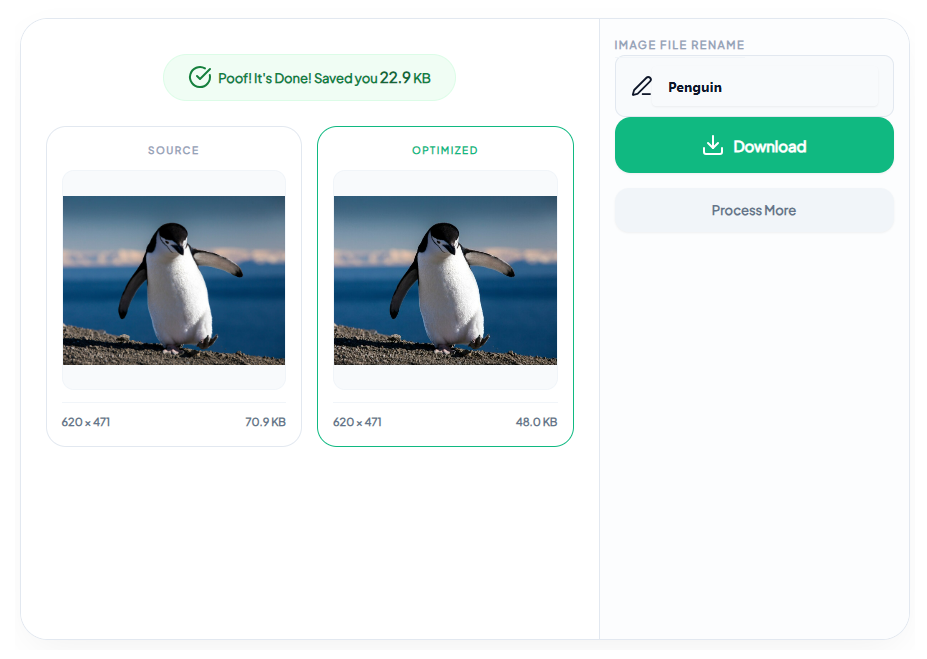
Compress & Download
Click "Compress Now." Once optimized, download your lightweight image directly from the dashboard!
Poofpix offers a professional – grade image compression engine designed to shrink your photos while maintaining crystal-clear quality. Whether you need to meet a strict KB limit for an official form or want to speed up your website’s loading time, our tool handles the heavy lifting in seconds. Our smart compression technology analyzes every pixel to remove unnecessary data without sacrificing visual integrity.
Why Use Poofpix to Reduce Image File Size?
Most basic compressors just crush your image and destroy the quality. Poofpix is built differently, giving you professional-grade control over your digital assets.
Exact KB Targeting
Need a photo under exactly 50KB for a government portal? Simply type in your target size, and our engine will hit the mark.
Smart Dimension Control
Easily resize your image's width and height while locking the aspect ratio to prevent stretching or distortion.
Zero Server Uploads
Privacy matters. Our tool works locally in your browser, meaning your photos never touch our servers.
Built-in Cropping & Renaming
Crop out backgrounds and rename your final optimized file all within the same dashboard before you download.
Frequently Asked Questions (FAQ)
Is it safe to compress images on Poofpix?
A: Absolutely. We use client-side processing, which means the image compression happens entirely within your own computer or mobile browser. Your files are never uploaded to the cloud or stored on any external servers.
Will compressing my image ruin its visual quality?
A: No. Poofpix uses a smart, high-fidelity compression algorithm that strips out unnecessary metadata and optimizes color depth. You will get a drastically smaller file size while keeping the image crisp and professional.
What image formats can I compress?
A: Our universal engine supports all major web formats, including JPG, PNG, WEBP & SVG.
Can I compress an image for a specific website or form?
A: Yes! Many online portals (like passport applications or university forms) have strict file size limits. You can use our "Target Size" feature to compress your image to exactly 20KB, 50KB, 100KB, or any custom size you require.