
compress Image > Bulk Image Compress
Bulk Image Compressor
Reduce Images file size without losing quality.
Supports JPG, PNG, WEBP & SVG.
Applying Poofpix Magic...
Optimizing pixels & shaving off kilobytes
How to Compress Images in Bulk Online in 3 Easy Steps
Compressing large Images doesn't have to be complicated. With our free online images compressor, you can shrink your files in seconds:
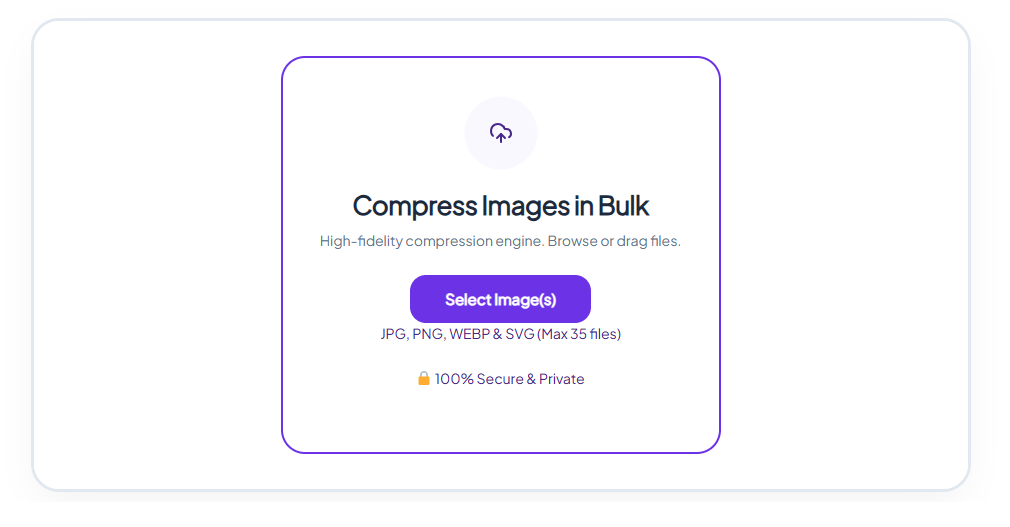
Upload Your Images
Drag and drop your images into the upload box above, or click "Select Images" to browse your device.
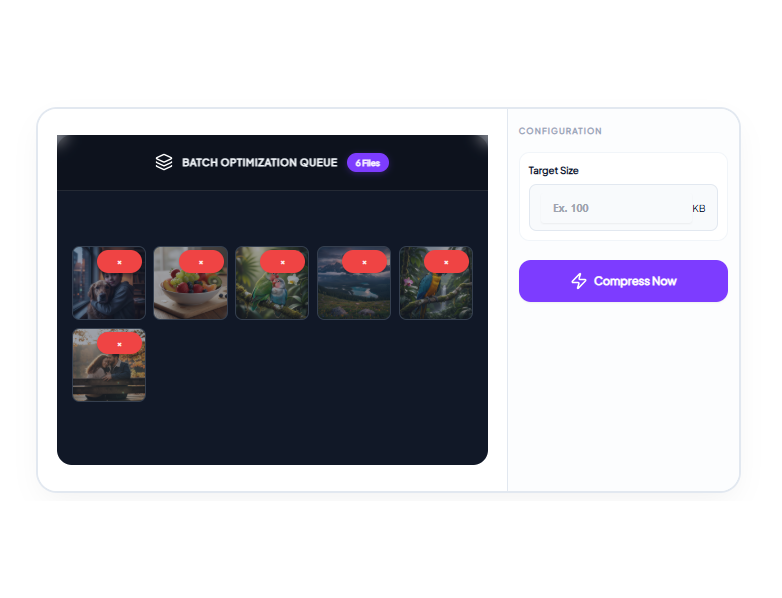
Set Your Target Size for all images
Use the configuration menu to enter your exact desired size in KB.
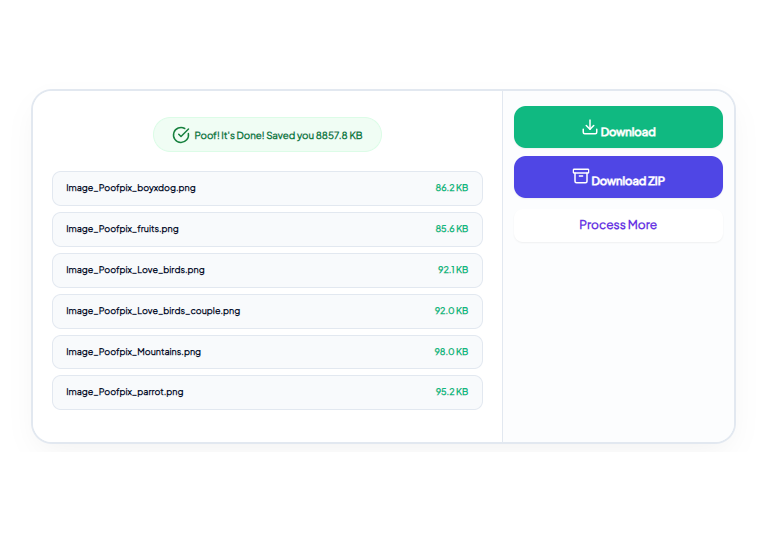
Compress & Download
Click "Compress Now." Once optimized, download your all lightweight images single or bulk in zip file directly from the dashboard!
Poofpix offers a professional – grade image compression engine designed to shrink your photos while maintaining crystal-clear quality. Whether you need to meet a strict KB limit for an official form or want to speed up your website’s loading time, our tool handles the heavy lifting in seconds. Our smart compression technology analyzes every pixel to remove unnecessary data without sacrificing visual integrity.
Why Use Poofpix for Bulk Image Compression?
Processing high volumes of photos one by one is a massive waste of time. Our bulk compressor is built for professionals who need to optimize entire galleries efficiently.
Simultaneous Batch Processing
Upload up to 35 images at once. Our engine processes them in parallel, allowing you to optimize an entire folder of product photos or blog assets in seconds rather than minutes.
Uniform Target Sizing
Working on a project with strict upload limits? Enter your target KB size once, and Poofpix will intelligently compress every single image in your batch to fall under that exact threshold.
One-Click ZIP Download
Once the compression magic is done, you don’t have to download files individually. Click "Download ZIP" to instantly save all your newly optimized images into one neat, organized folder.
100% Private & Browser-Based
Even when uploading 35 files at once, your data remains secure. All batch processing happens locally inside your web browser. We never upload, store, or view your private image collections.
Frequently Asked Questions (FAQ)
Q: How many images can I compress at once?
A: You can select and upload up to 35 images simultaneously for bulk compression. Simply drag and drop your selection into the upload area to get started.
Q: Will bulk compression apply the same size reduction to all files?
A: Yes! When you set a specific "Target Size" (like 50KB or 100KB) in the configuration menu, our algorithm will individually process each image in the queue to ensure every single file meets that requirement.
Q: Can I compress different file types at the same time?
A: Yes, you can upload a mixed batch of JPG, PNG, WEBP & SVG files. Poofpix will automatically identify the format of each image and apply the correct compression logic to retain maximum quality.
Q: How do I save my compressed images?
A: You have two options. You can either download specific images individually from the queue, or simply click the "Download ZIP" button to grab all your optimized files in one convenient package.